Overview
This goal of this project was to see how far I could get in a month developing a game. This included everything it takes to make a game, such as;
Modeling, Animating, Texturing, Programming, Level design, etc.
I used the Unreal 4 engine for this project, And time spent on the project was around 1 – 2 Months.
The game I developed was based around the idea of a “Looter Shooter”, a run and gun third person shooter with a loot-based progression system. Essentially Diablo with guns. My intent from the start was not to actually try to develop this game for a month only, but to flesh it out to an actual product. Near the end of the semester break, I decided to change my mind. I will explain in the conclusion of this post.
For this post itself, I will only briefly go over each section of the project, as I want to keep this short and simple. If you’re curious about a specific aspect, feel free to make a post or email me and I can go more in-depth.
Game Demonstration
I thought it would be easier to showcase the features, and just demonstrate what the game has to offer through video form. I will talk more in-depth on some of the features later on in the programming portion of this post.
(Here is an out-of-date video. This used to be a dev-blog before I decided to make it only a project)
Assets
Everything in this project was created myself. Every single texture, model, and animation I had to create with my own hands. There are two exceptions to this; The water used in the project was sourced from a free project pack on the Unreal Store. And the pistol sound effect (Which I don’t show in any of the videos) was sourced from a free database of sound effects.
Modelling
The very first field that I started with was modelling/rigging, as I had some experience in the past. I chose a somewhat Low-Poly style of modelling, as it’s the style of modelling I’m most familiar and comfortable with.
For this game, I modeled a total of 21 models, Some of which I never got around to using. The breakdown is as follows;
- 13 Armor Pieces
- 4 Weapons
- 1 Character
- 1 Vehicle
- 2 Miscellaneous
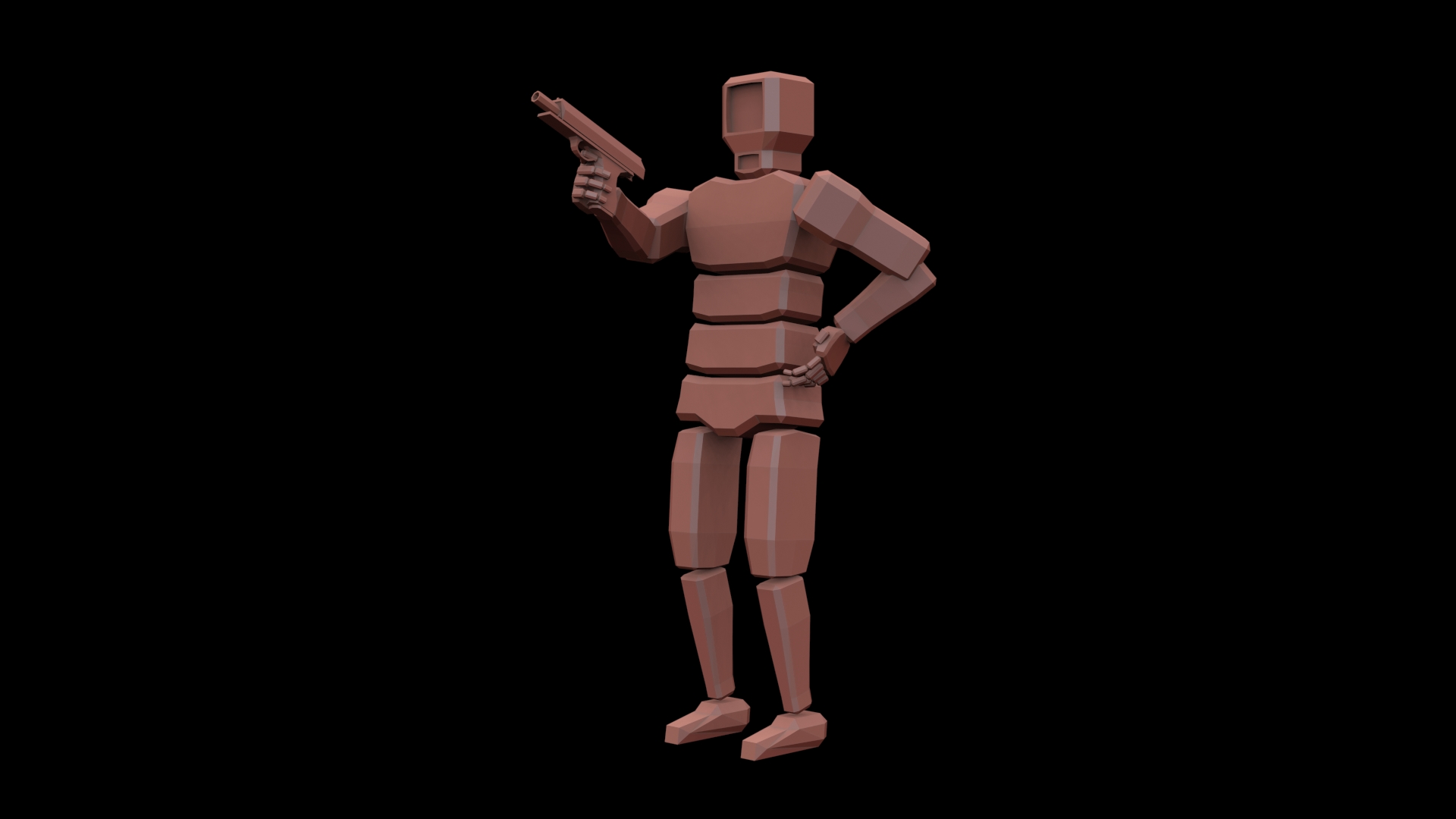
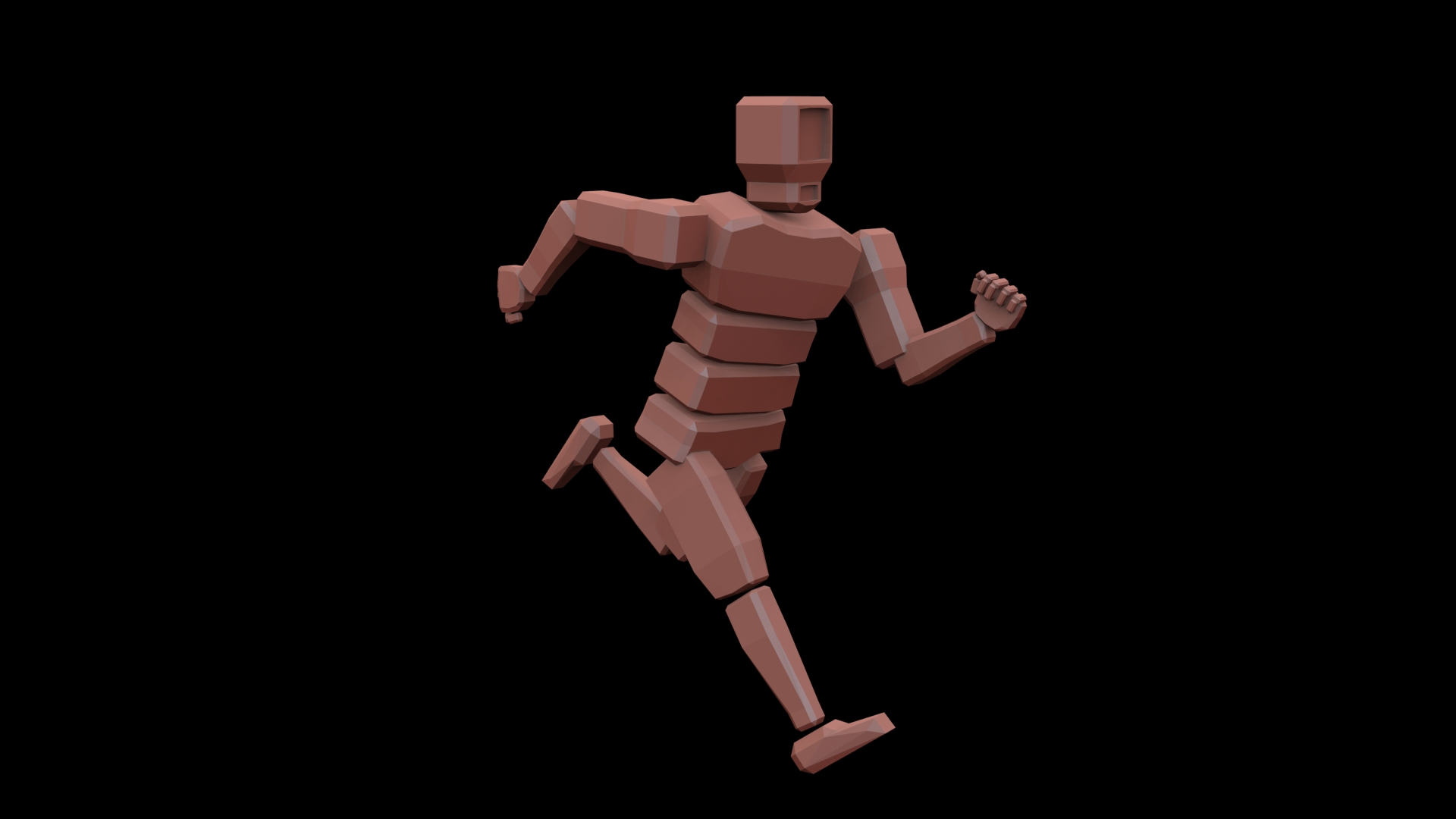
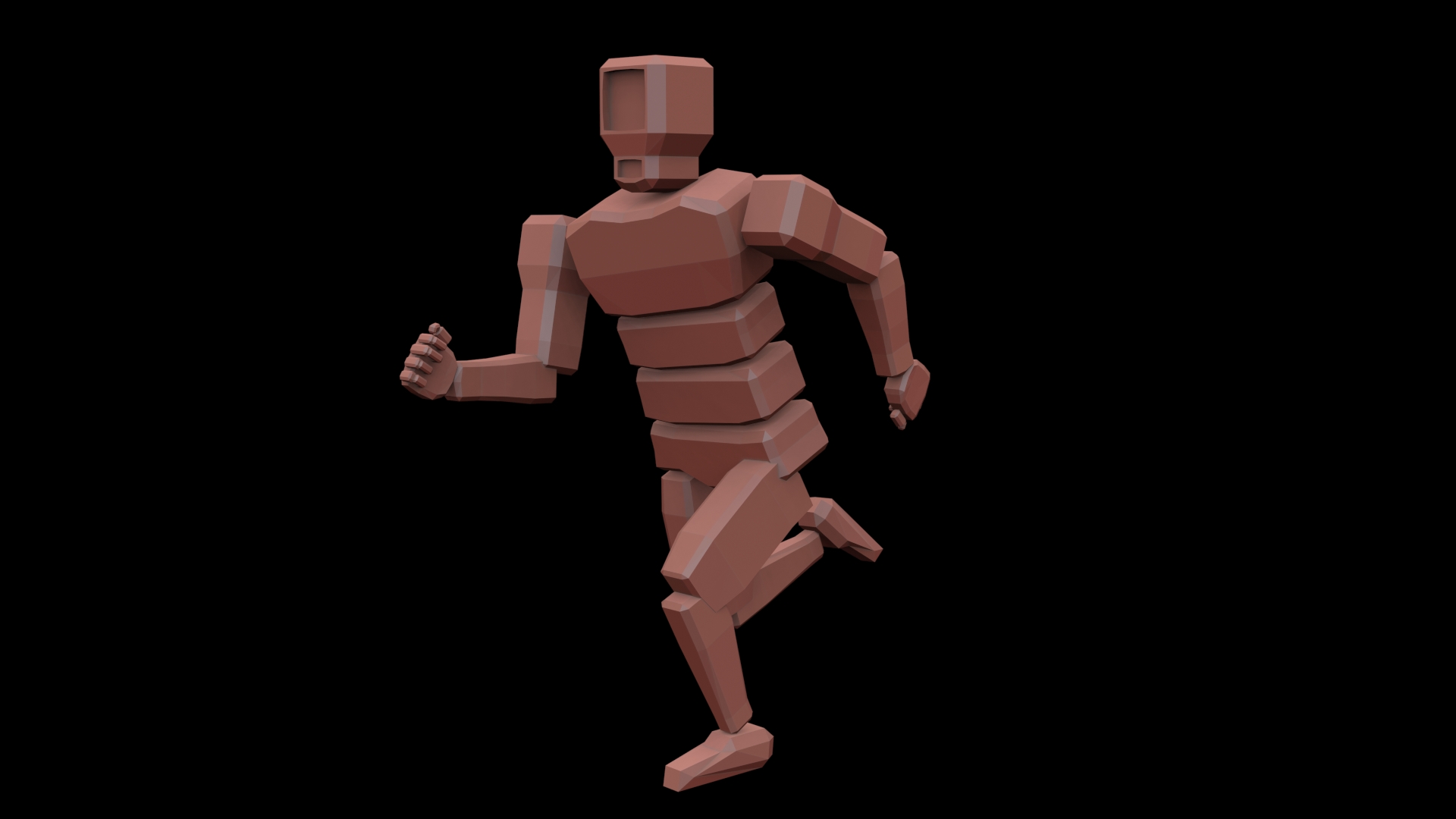
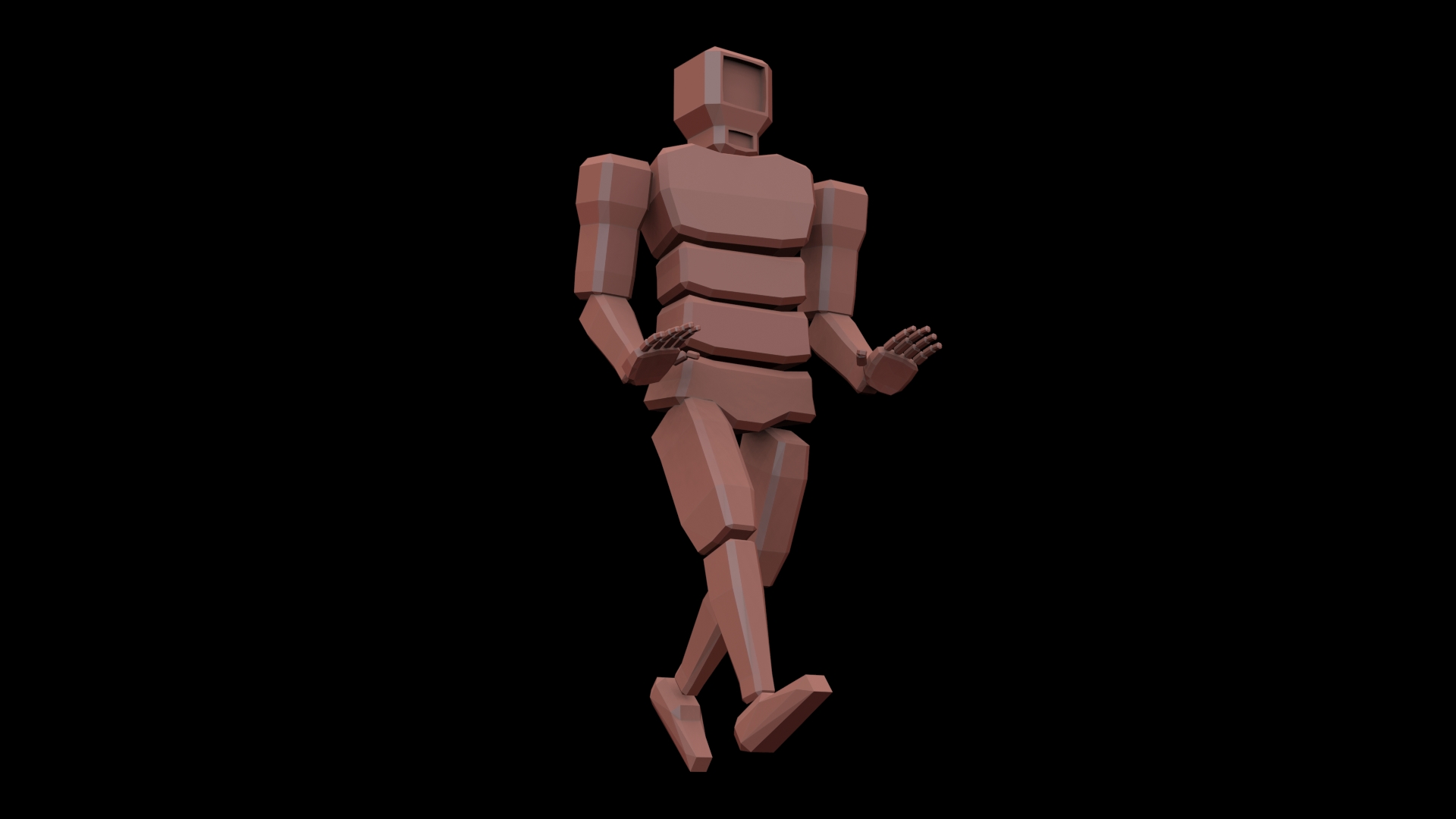
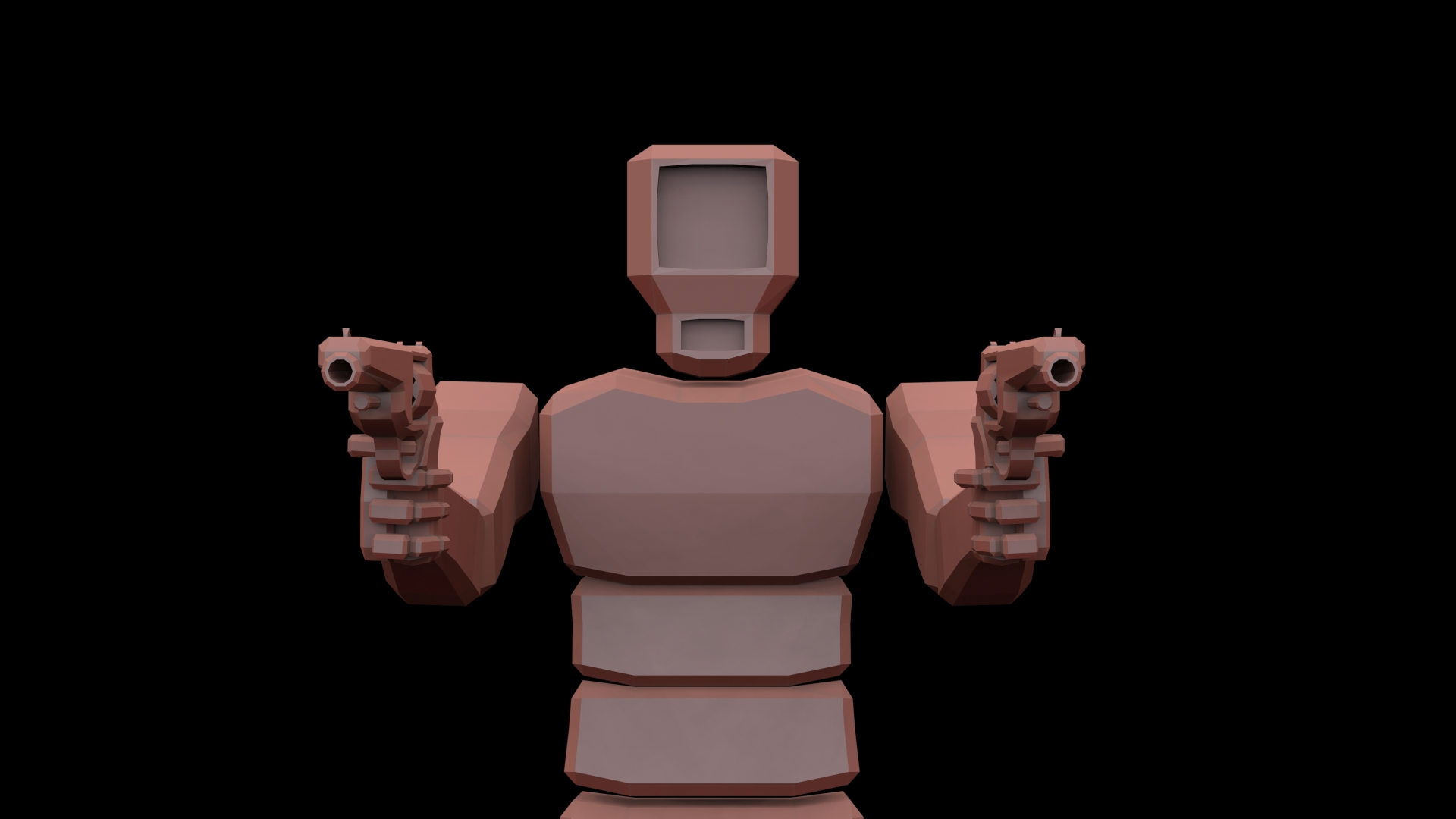
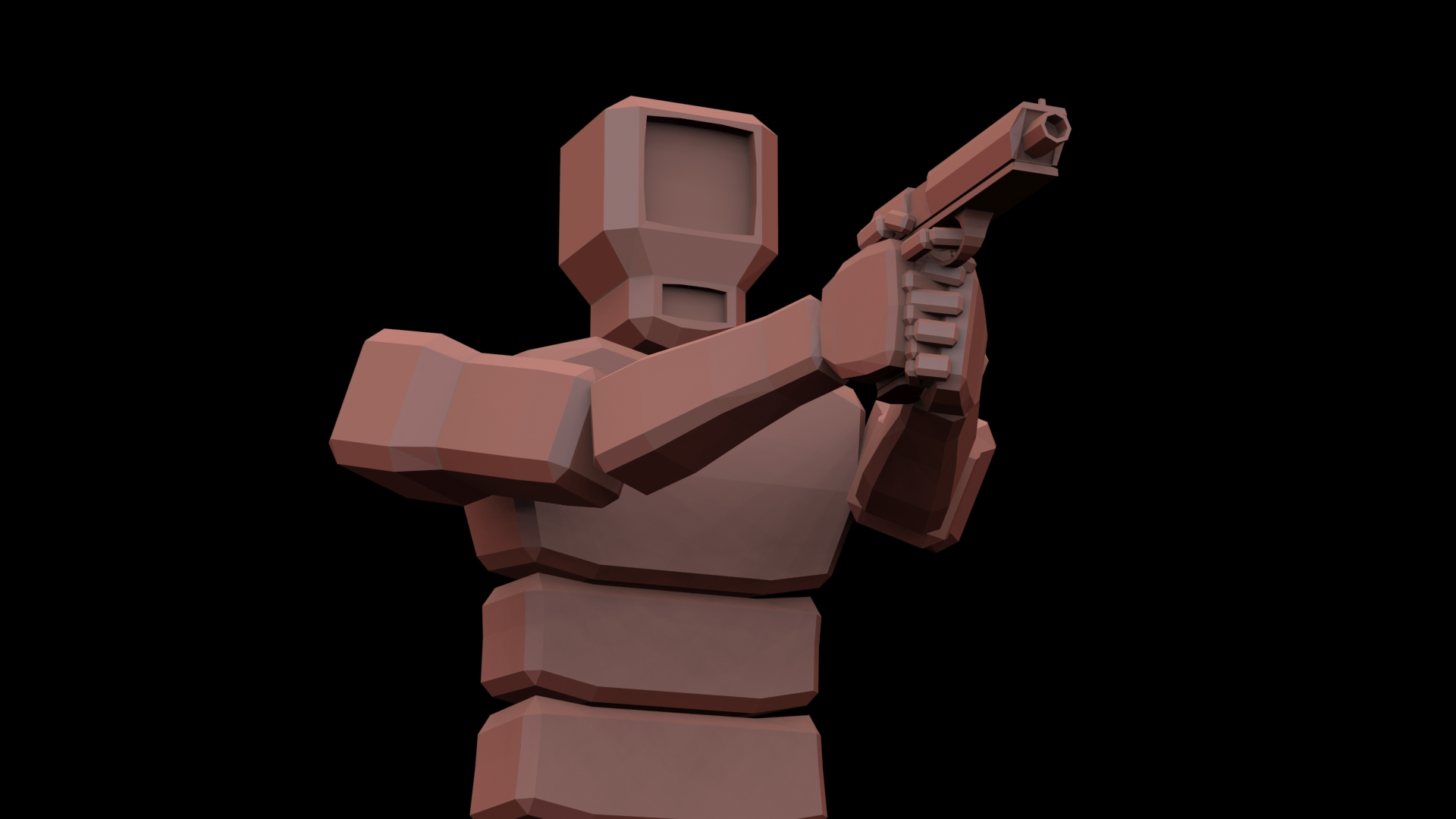
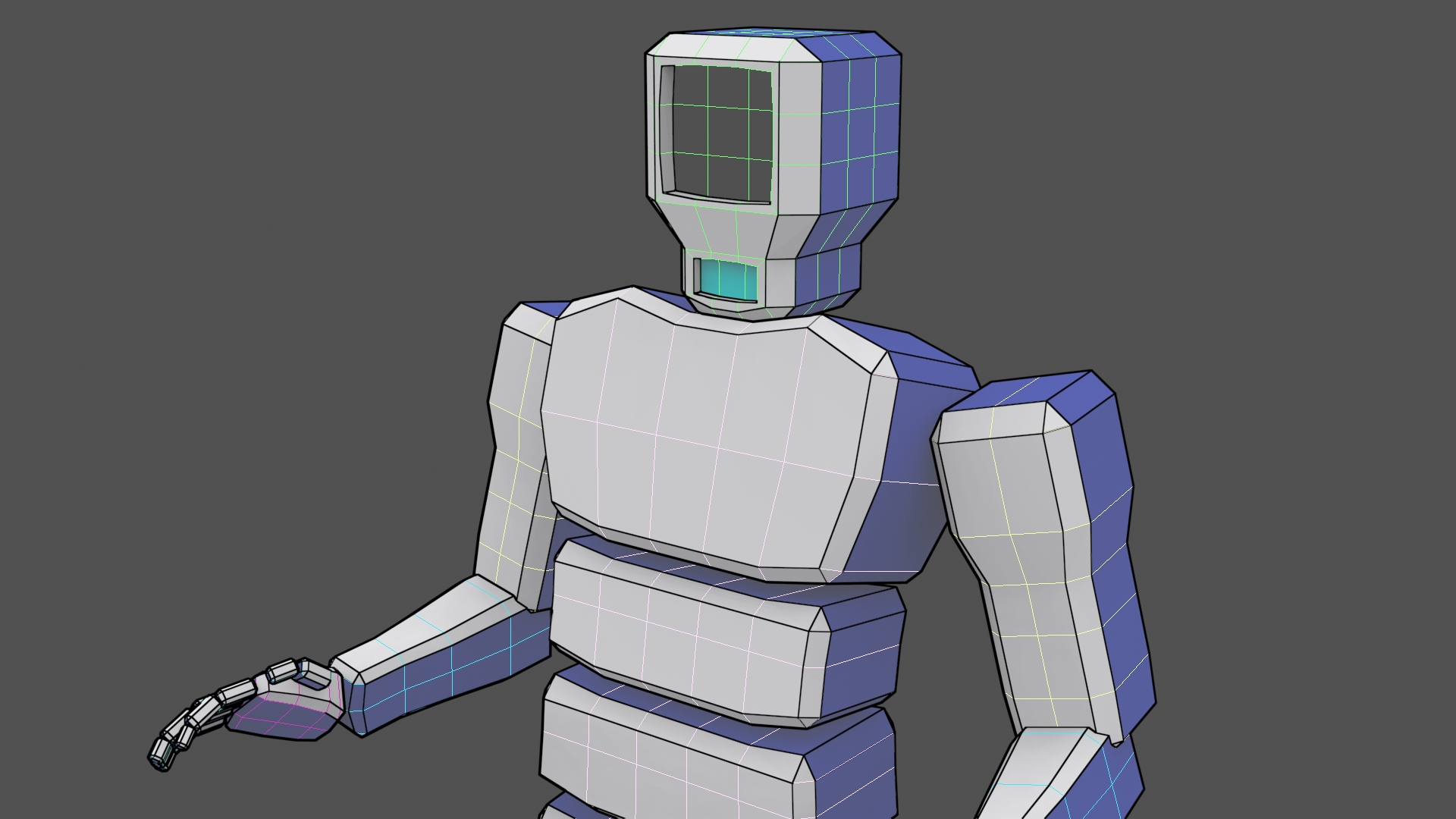
The majority of time spent modeling went towards the Main Characters model, and the various weapons, As it was the first time I had to properly rig up a model from scratch. I probably went through around 2 or 3 character designs before I settled on the character I have now. If I were planning on selling the game I would defiantly revise the character, as I’m still not in love with it. But it worked well enough for the project.
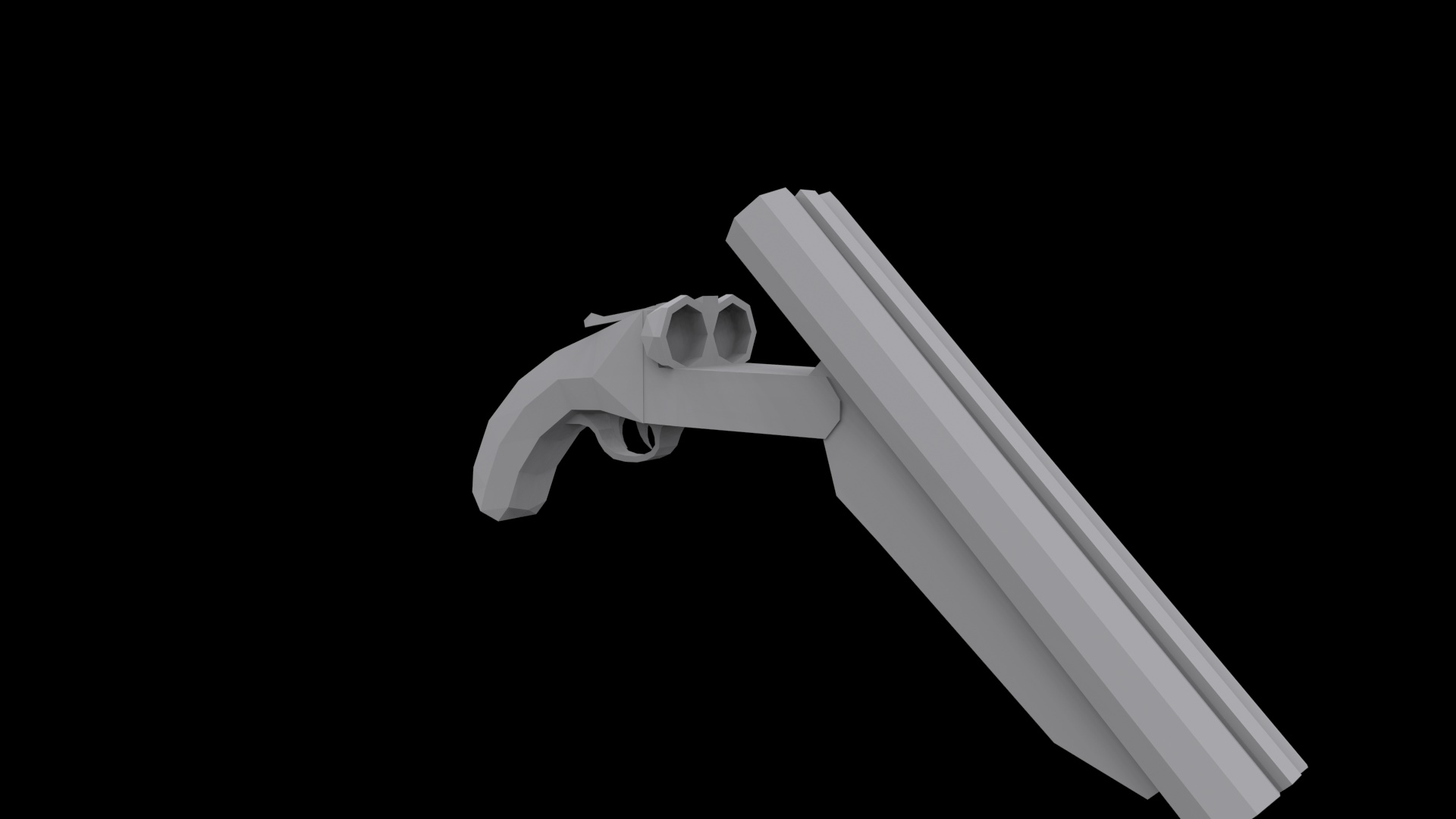
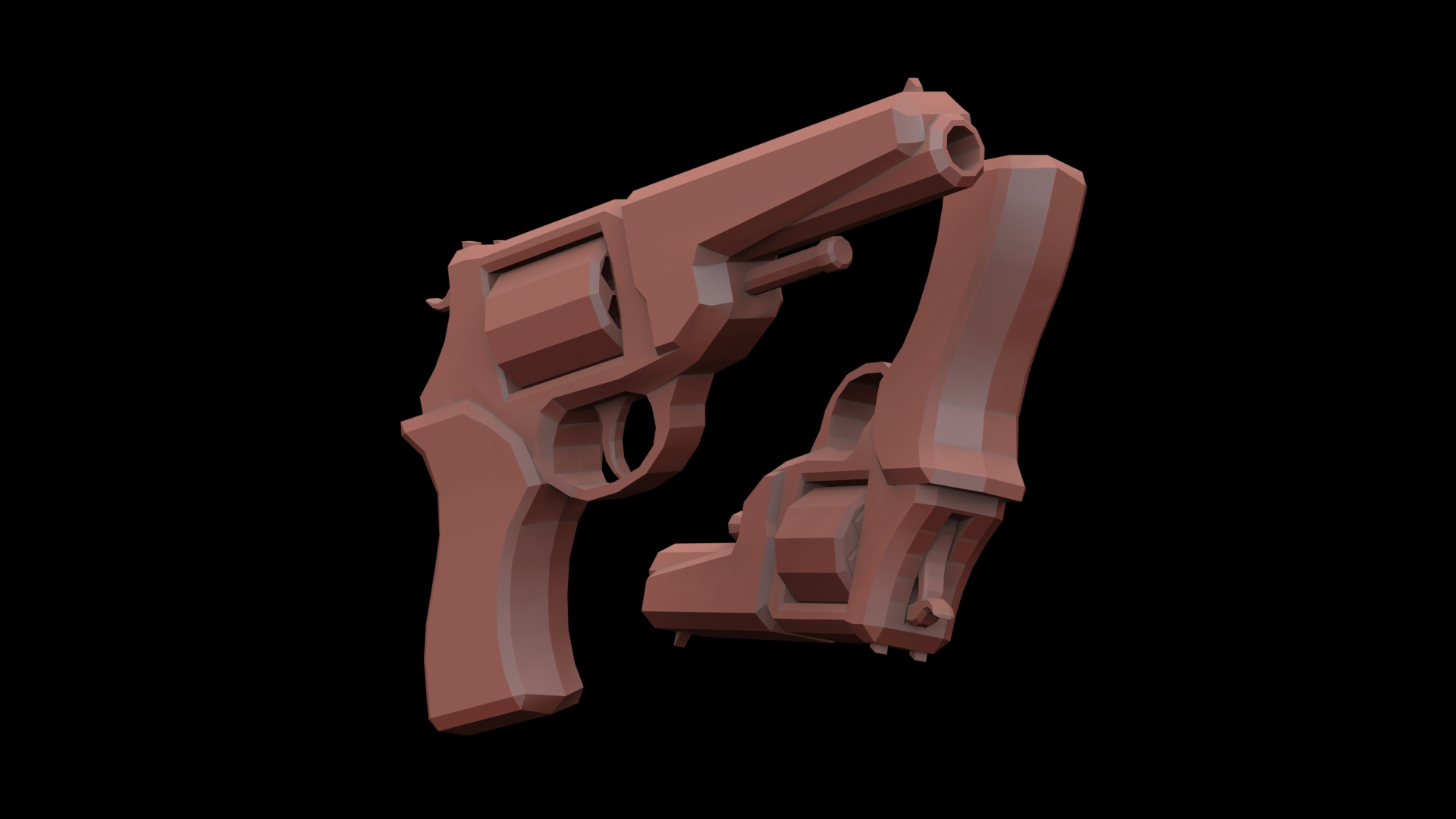
I’ll show 3 of the models I made, Lets start with my low-poly sawed off shotgun.
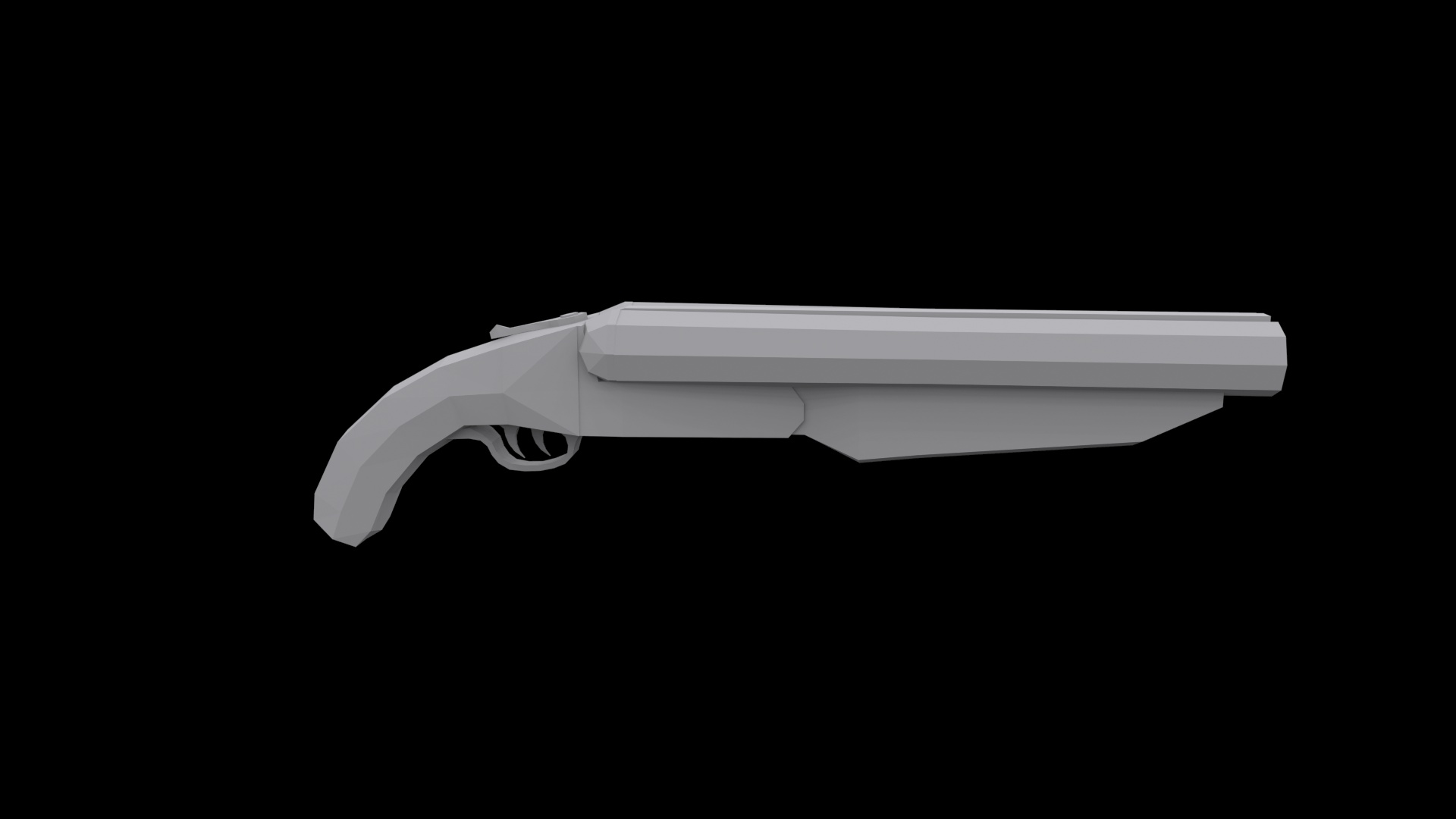
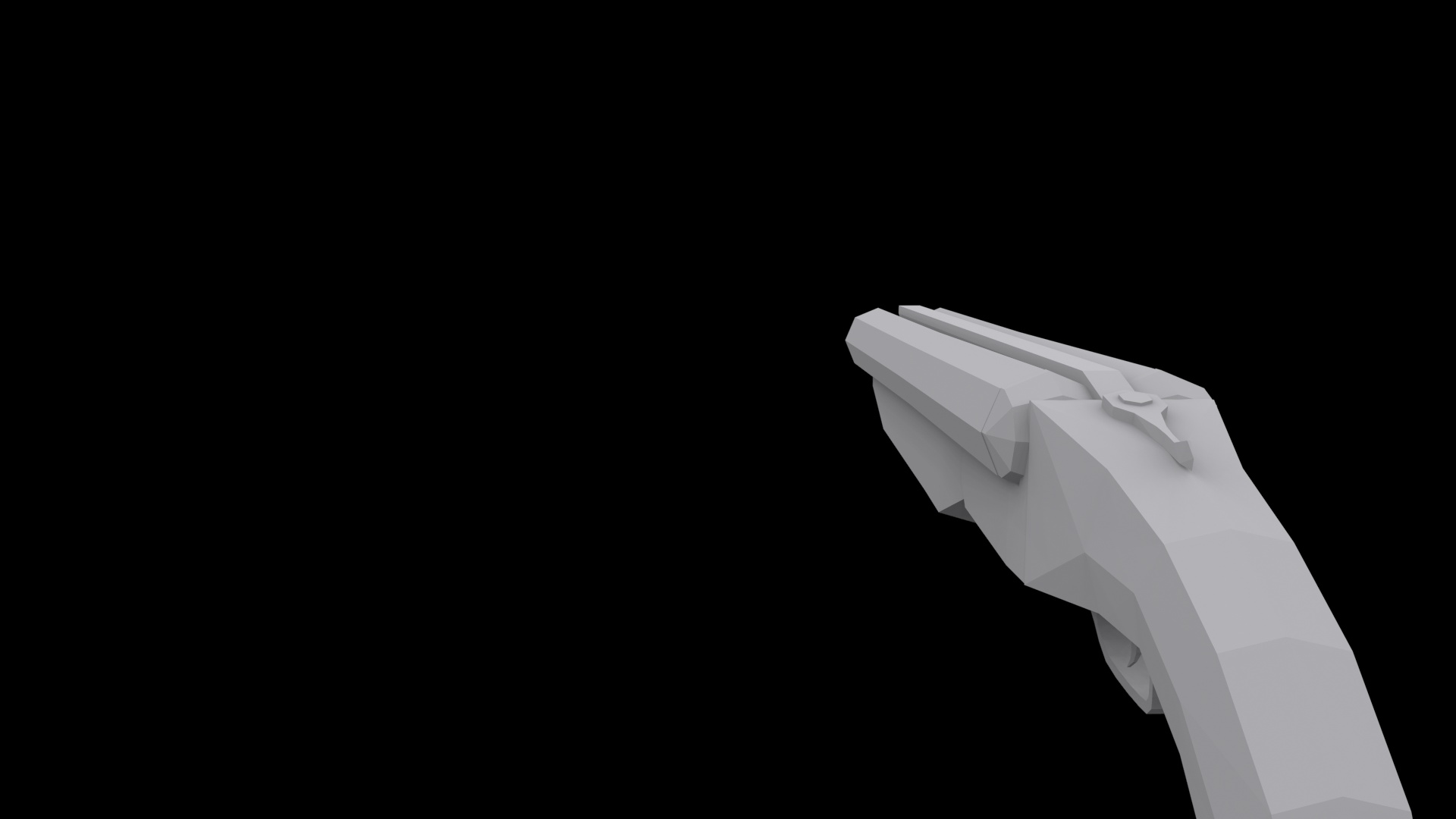
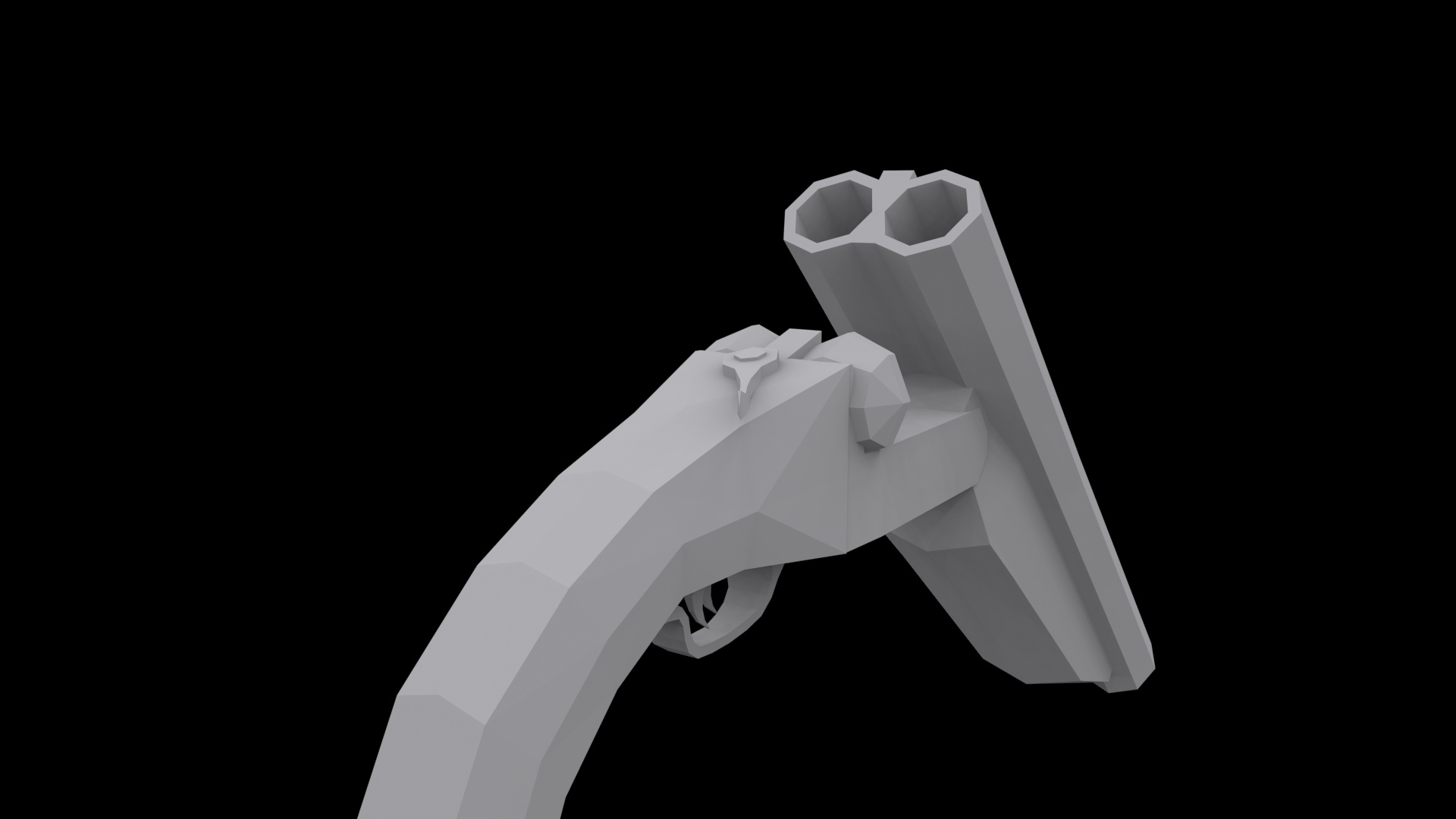

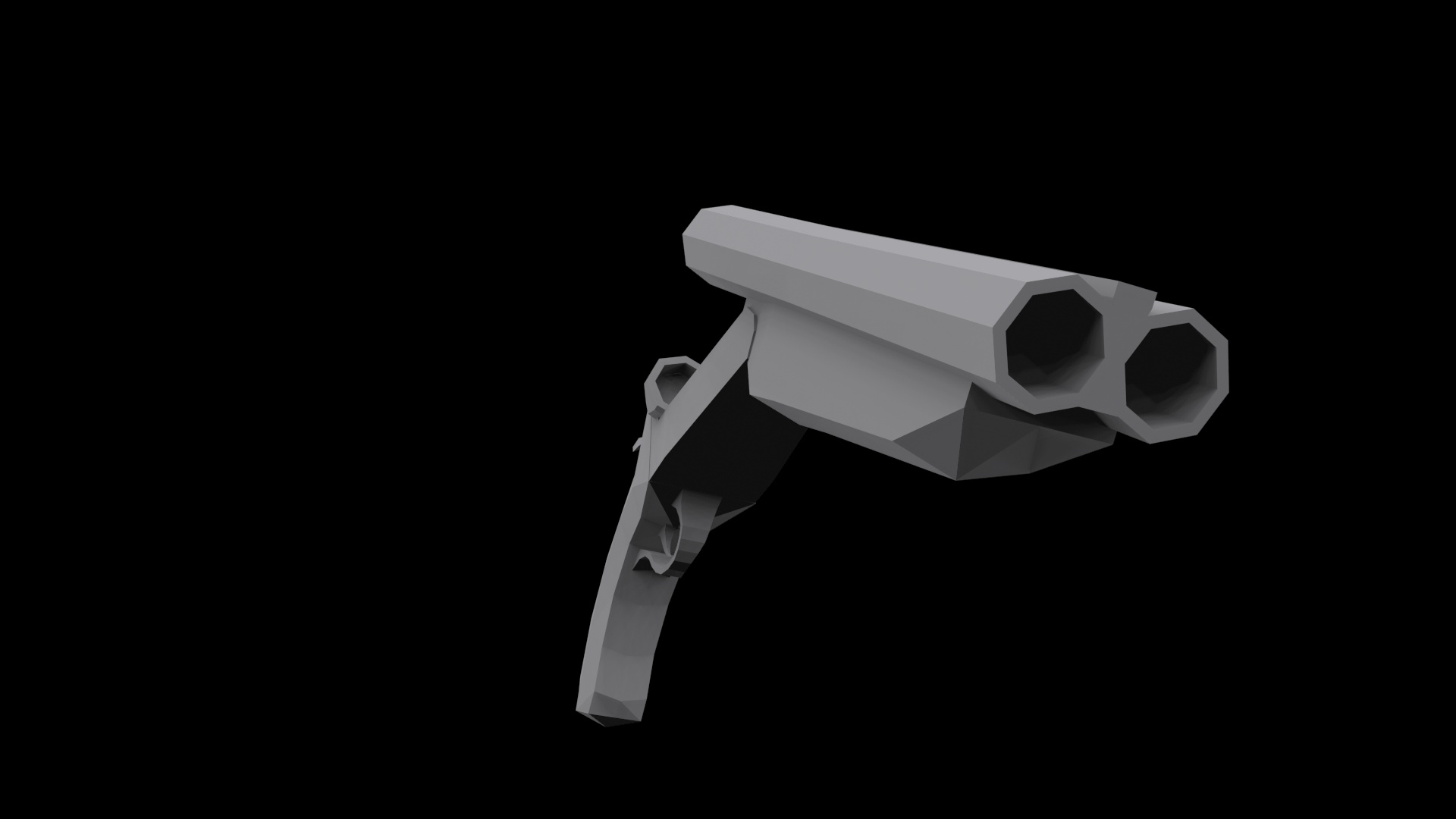
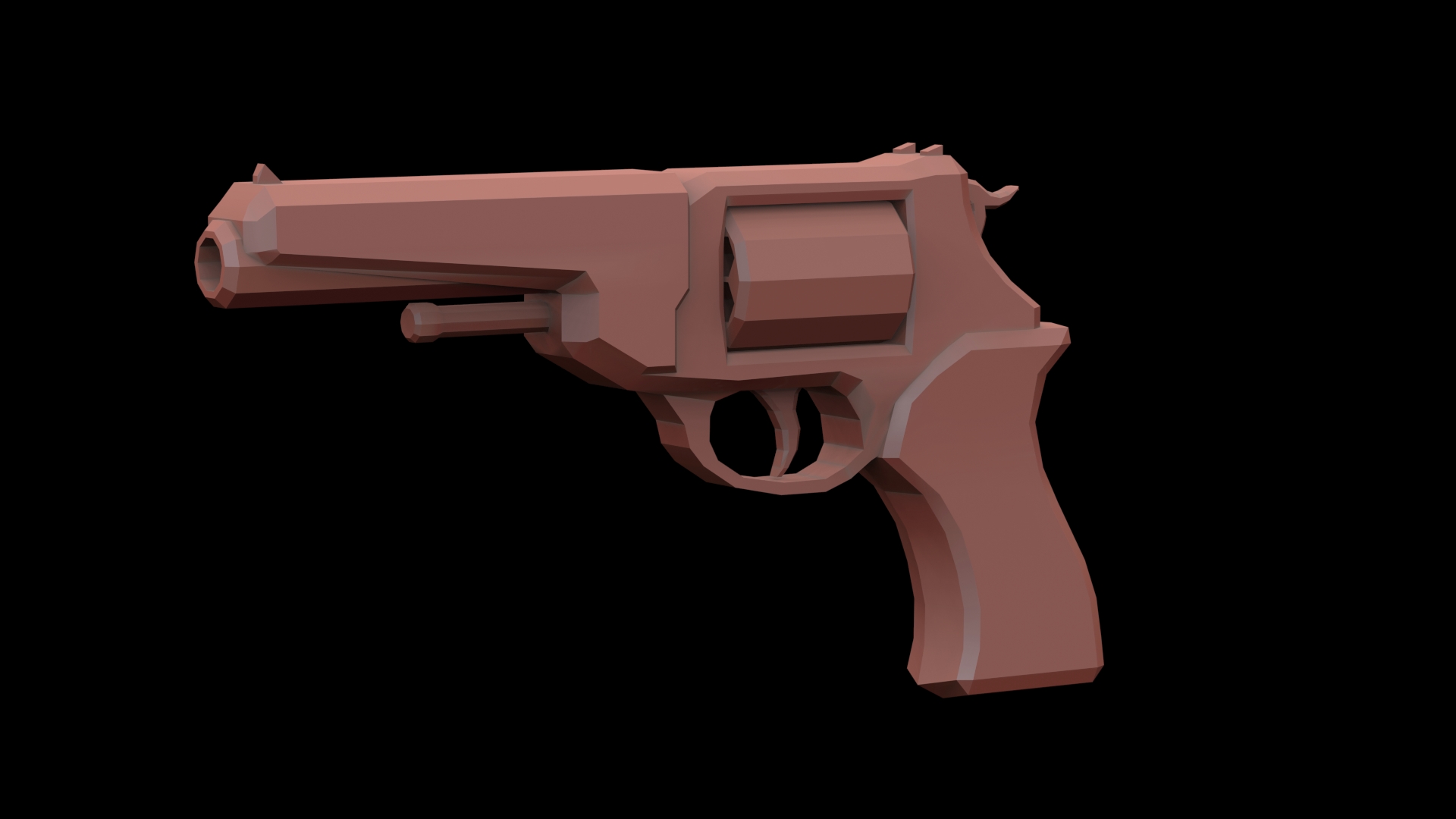
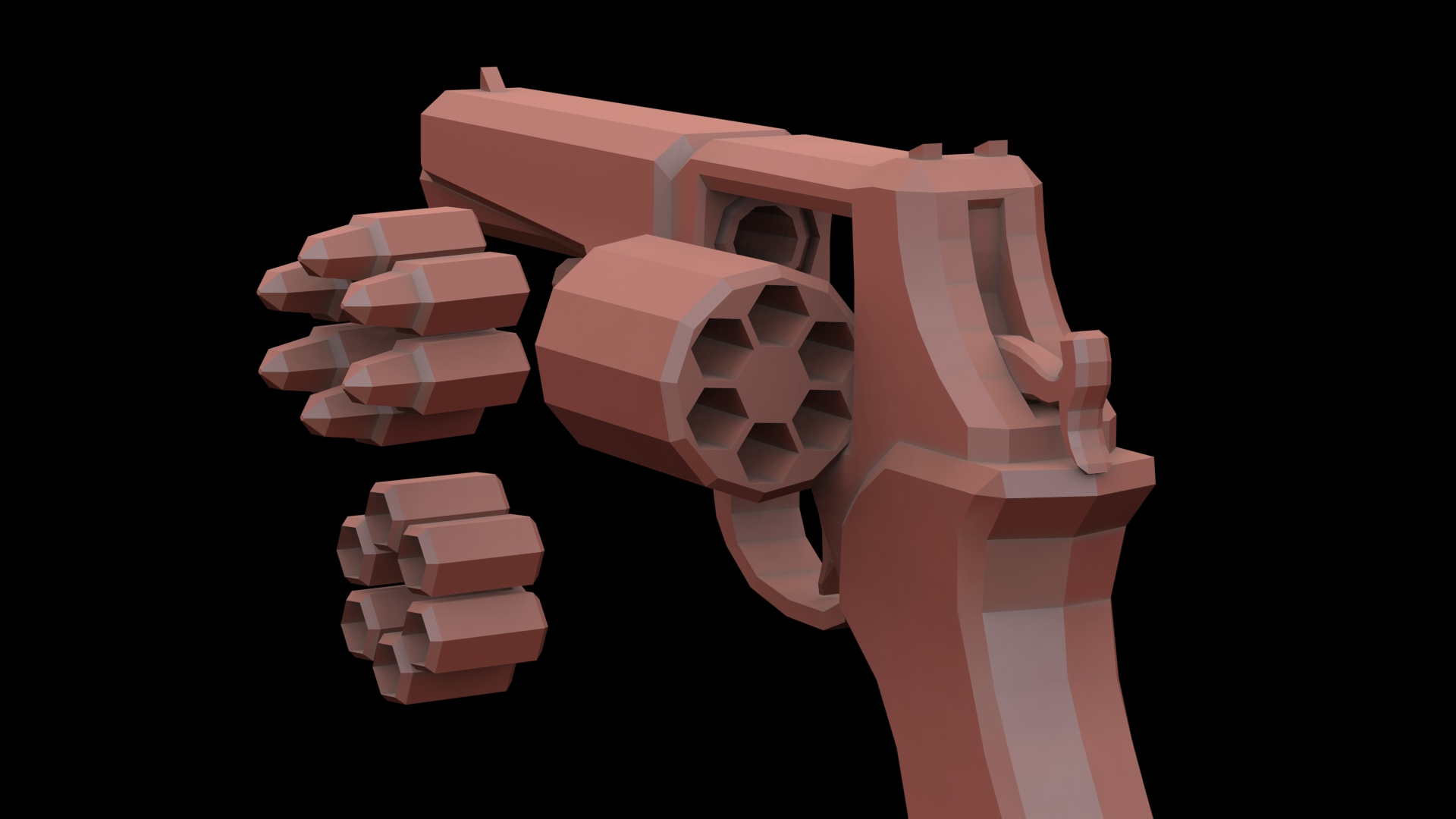
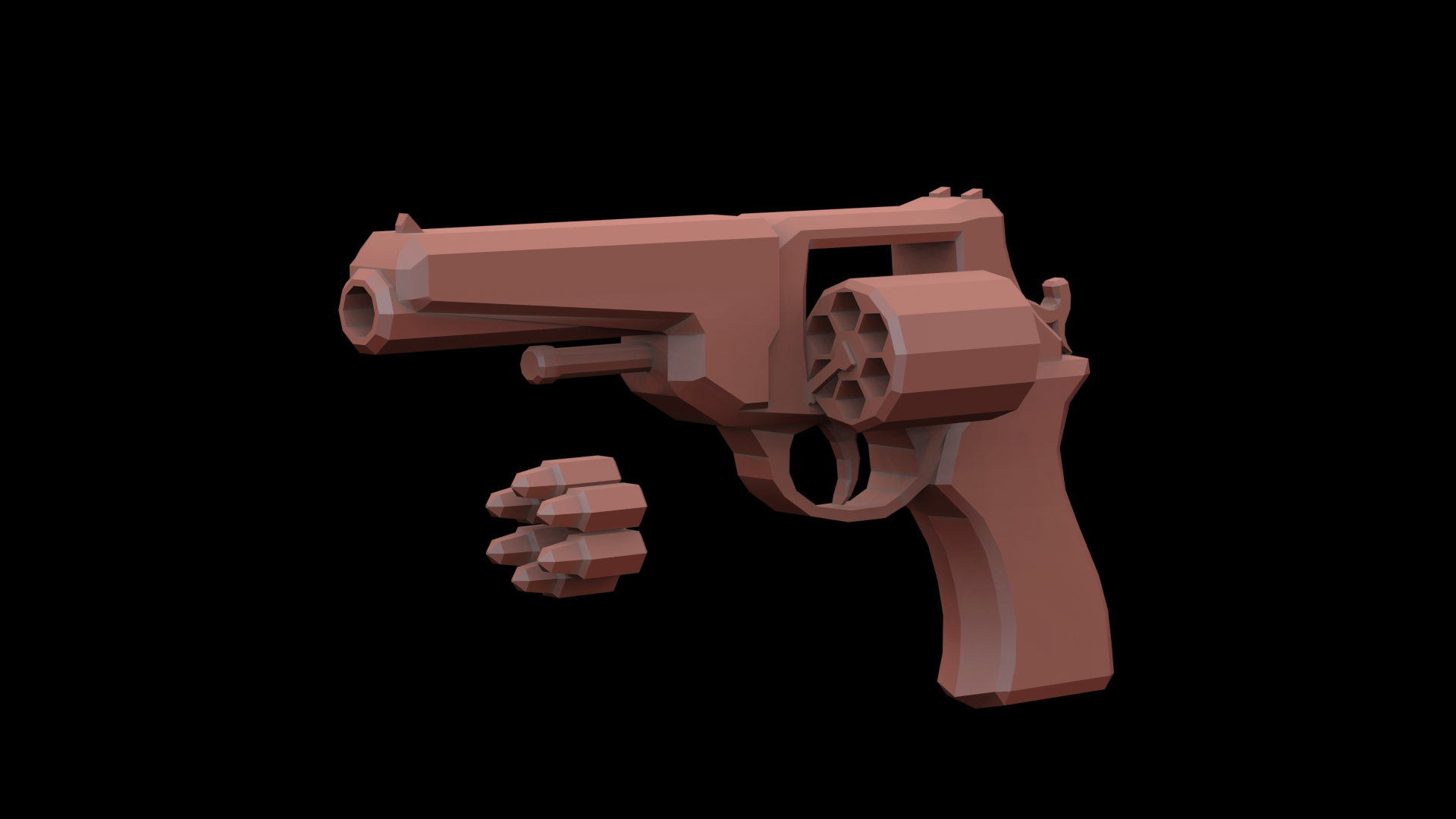
Low-poly revolver(s)


Main Character
Animating
Animating was one of the bigger challenges of this project. To animate something is easy.. but to make it look good, and to make it feel like it has weight is a different story. My animation folder ended up with around 114 files, Most of which were just variations on each other. I actually only had to animate around 10 base files. Base files are my definition of JUST the base animation. These other 104 files were variations on that, that didn’t need too much work.
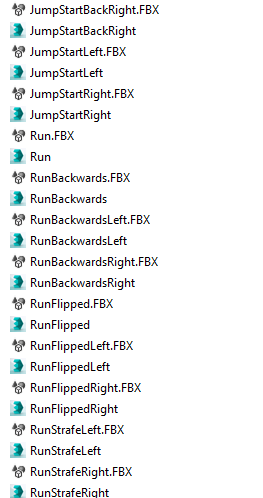
Snippet of my Folder
For example, I animated a run cycle. I need that same animation but running diagonally for both sides, forward and back. Then I need that animation reversed for running backwards as well. I also need it running left and right whilst looking forward. So essentially that one base animation turns into 7+ variation files.
One part of unreal that is just unmatched on the market, is its animation capability when it comes to games. It fills in the gaps so well in terms of animations. This is due to blendspaces. The quick version of a blendspace is this. Give it 2+ animations, and it will blend between them given a certain value. So If I have an idle animation, a walking animation, and a sprinting animation, It will blend all those together to make the in-between animations like brisk jogging and slight creeping, provided I specify how fast the character is moving.
Texturing
This was an interesting field for me as I was always curious how people made textures for games. That curiosity wore off VERY fast as I soon found out texturing is actually extremely hard… At least if you’re doing the traditional method for models. Because my game was modeled for a low-poly aesthetic, I could texture my models face by face. What does that mean? Lets take a look at these three pictures.


As you can see, Each individual polygon is textured a flat color. These colors do not represent the final look, but they act as texture groups. This means that in unreal I can apply a texture, and only the polygons with the texture groups I select are affected.
For example;
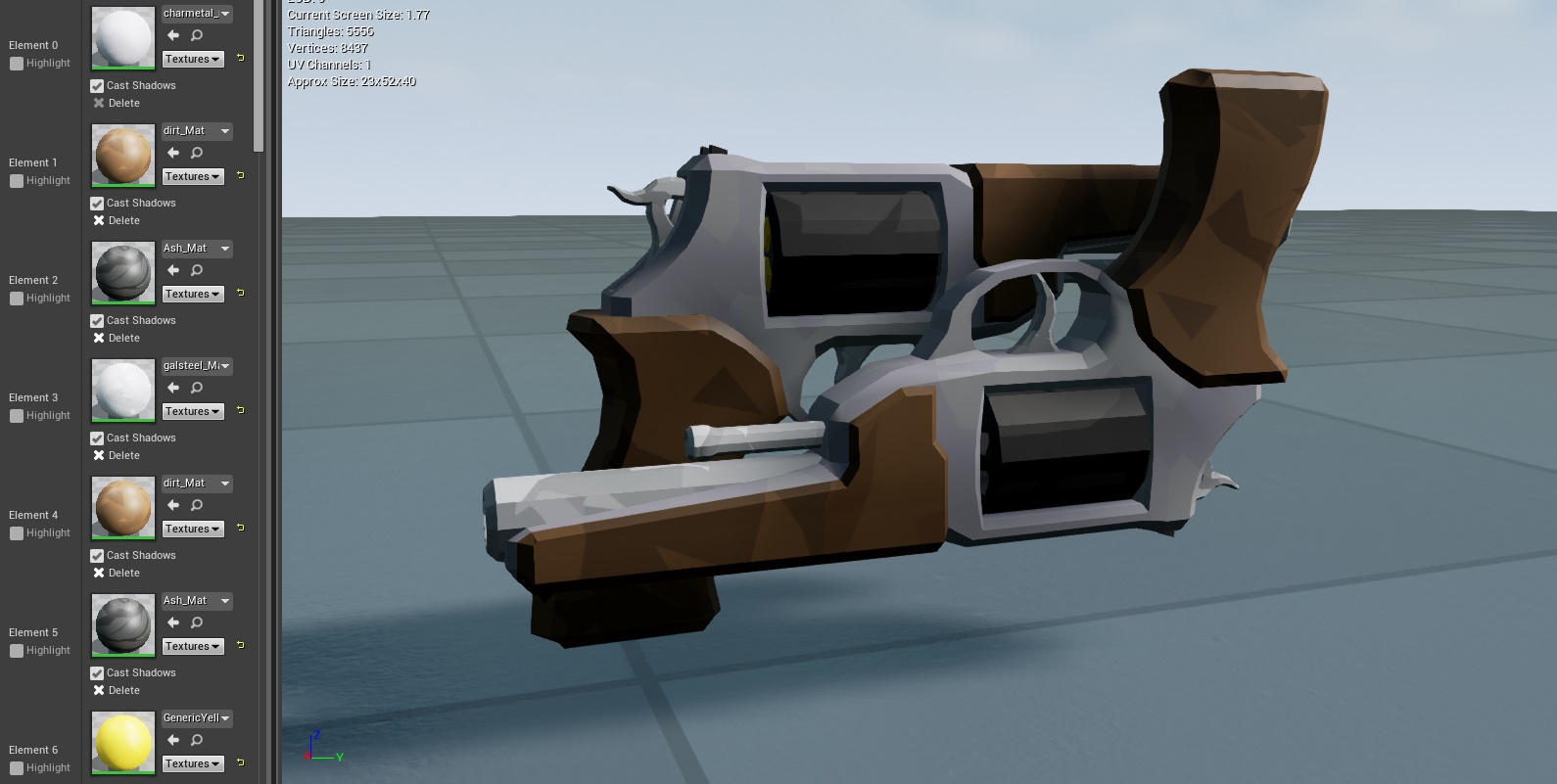
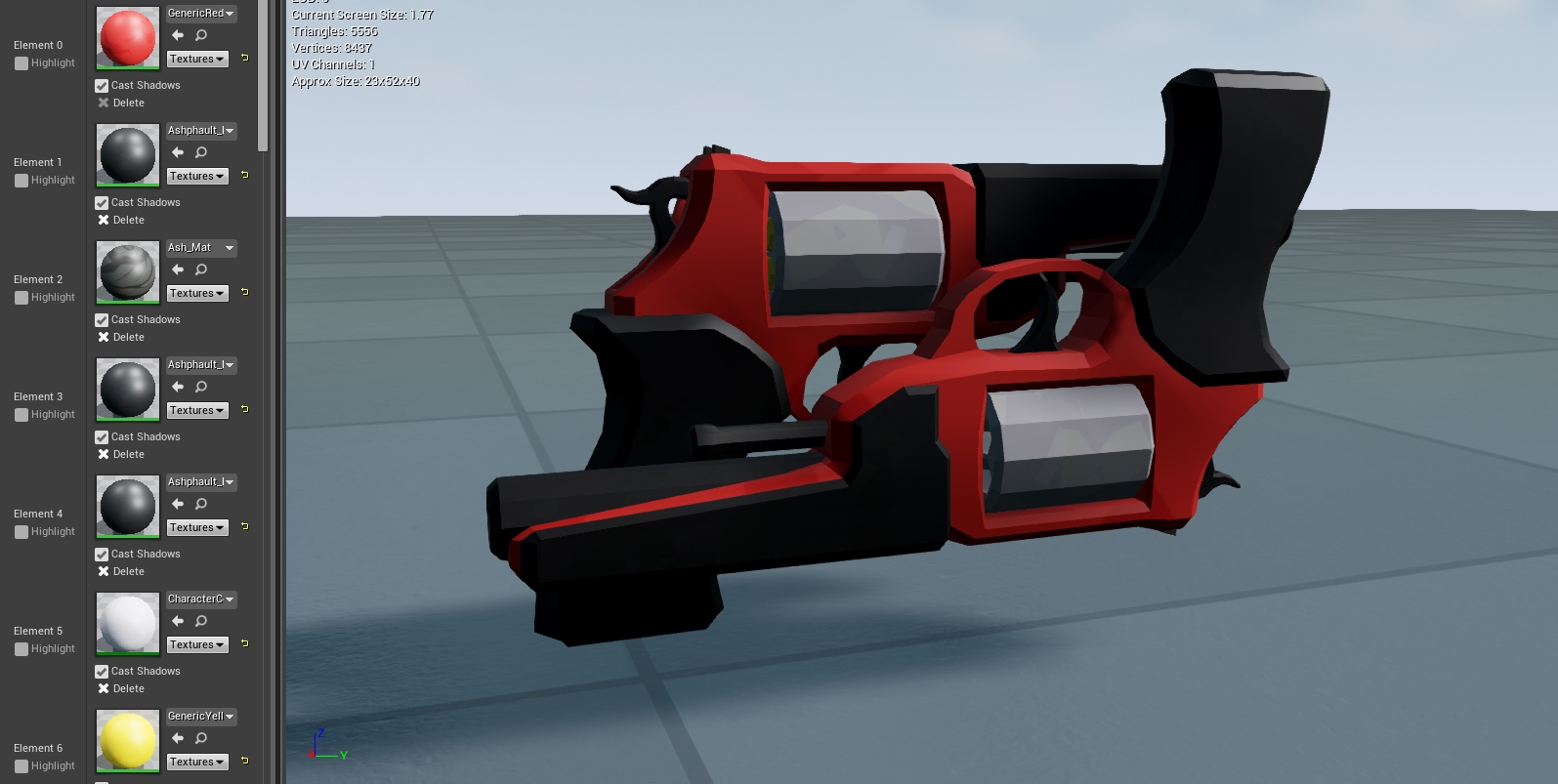
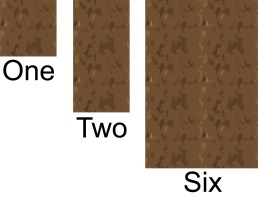
The better part of texturing, was doing overall general textures. What I mean by this, is your average grass texture, metal texture, dirt texture, etc. These were fun to make as I had to learn a new technique to accomplish them. This technique is tiling. I had to make sure that the texture, no matter where you place it, will line up with itself. An everyday example of this, are website backgrounds. Some websites will have backgrounds that are fairly simplistic, but seem to go on forever. This is due to tiling; That entire background is just one small image that is made in such a way to repeat.
Here are two examples of tiling, The one on the right is how I implemented it.

Programming
This was without a doubt the hardest part of making the game, as it should be. This took the longest amount of time, and has the most amount of substance. My main form of programming for this, was using their in-built language ‘Blueprint’. Blueprint is essentially visual programming, as everything is drag to connect. It doesn’t make the actual logic any less challenging, it simply allowed me to get familiar with the engine without hardcore C++ involvement.
Here’s an example of blueprint. These are some of the blueprint snippets from my inventory system.
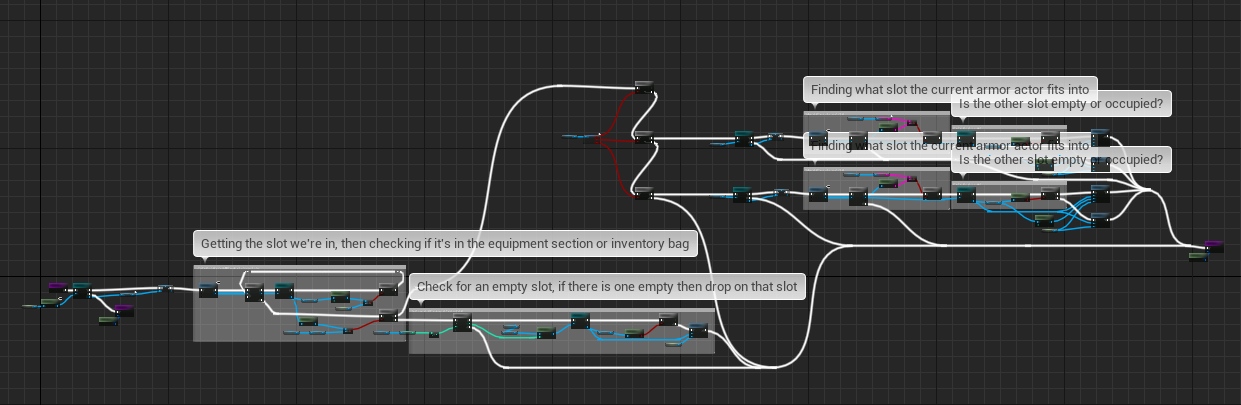
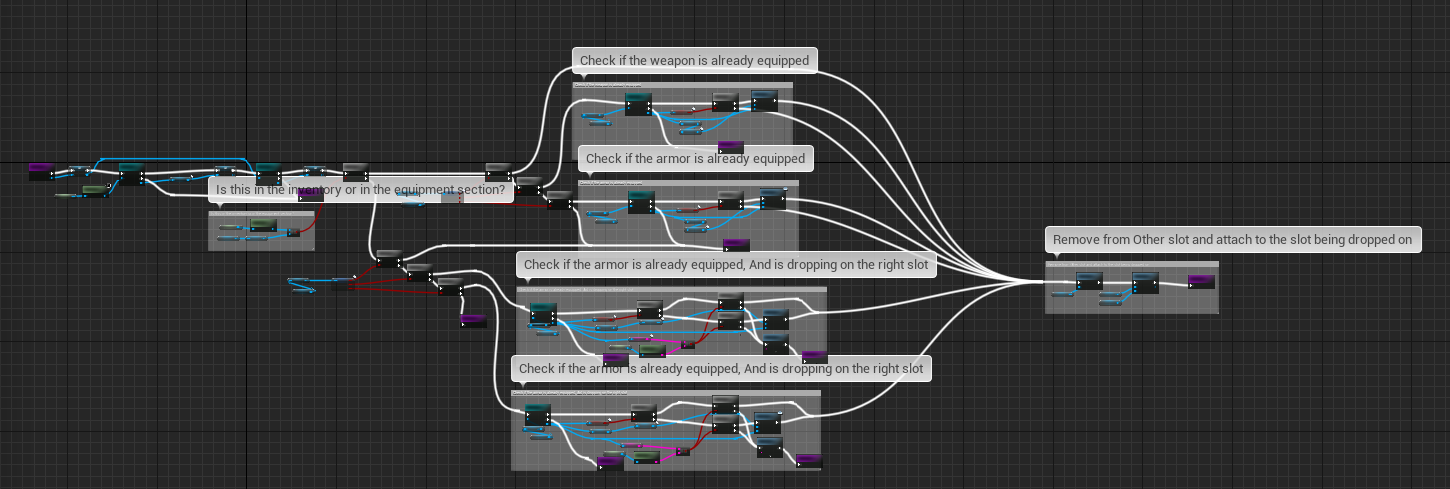
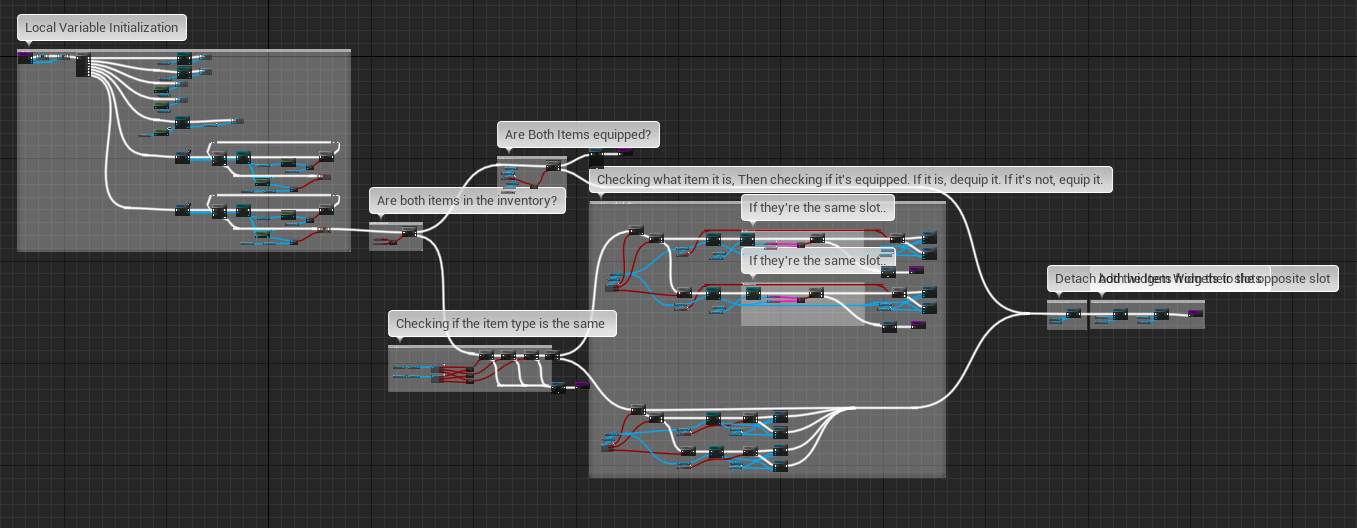
Blueprint was a great way to learn the engine, because you were ‘coding’ and interacting directly within the engine itself. Without blueprint I don’t think I would have gotten nearly as far.
Now I’m going to be honest, I’m not entirely sure what to put here. There’s quite a bit of ‘code’ and I’m don’t think you would be interesting in reading about all of it, so Instead I’m going to talk about the two hardest aspects of coding.
The first was the inventory system you see above, and the second was trying to convert the game I already made into multiplayer.
Lets start with the inventory system. After this project, I will never take one for granted again. I had to re-make it around three times, each with drastically different methods of moving and storing items. The first version was complete garbage, as I followed a tutorial for most of it. It gave me the jist of how to create one, but it lacked any substance, and only worked for four items. I scrapped this and decided to make the next one entirely on my own.
This second one actually worked alright. It was a bit messy in the ‘code’ and didn’t look the best, but it worked for the needs of the game. The problem came with the fact it broke while in multiplayer. This second one took me about a week to make, and was a bit disheartening to find out it was broken.
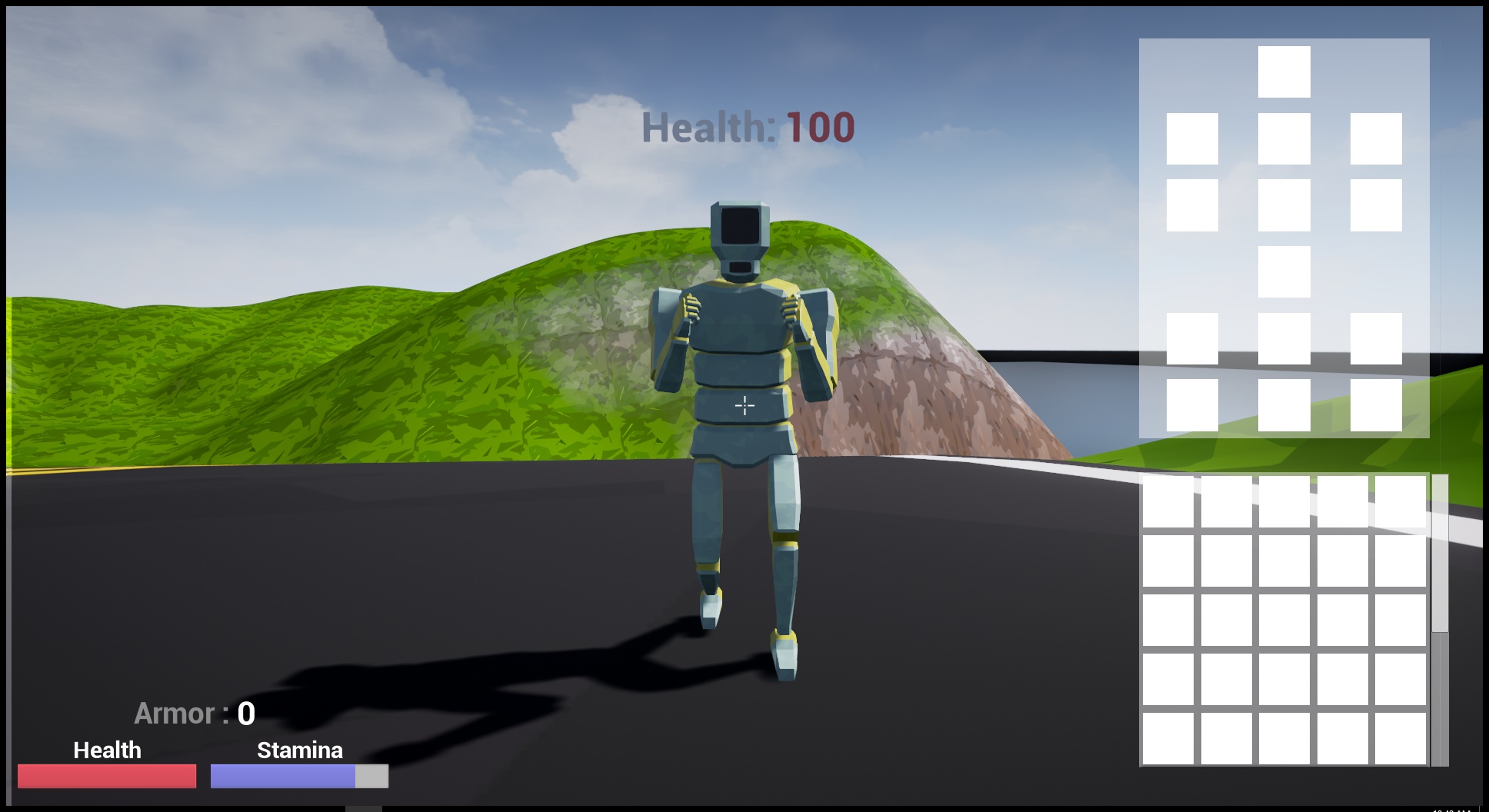
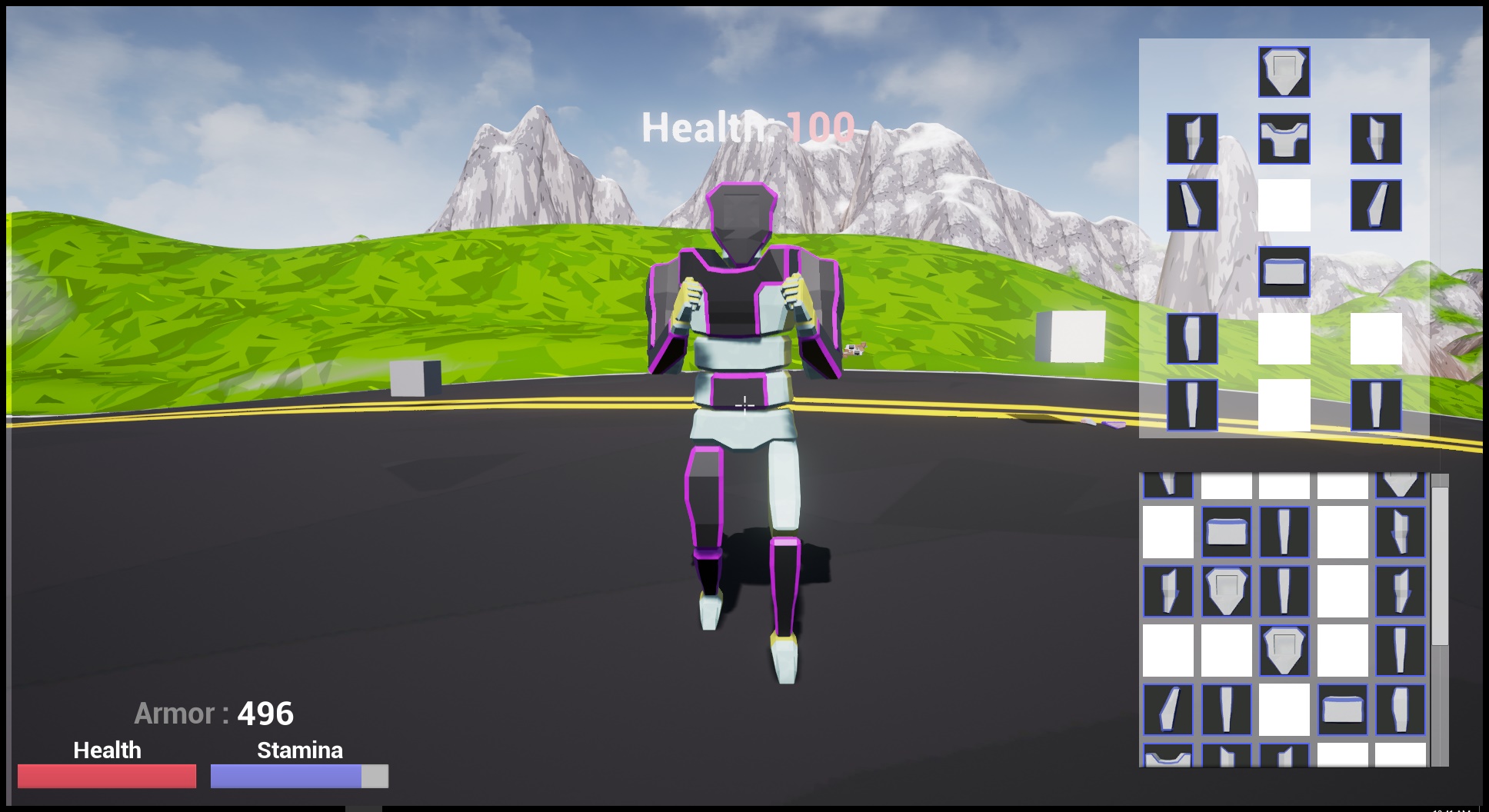
The final version, which I can show, was by far the best inventory system. It had customizable size, A working scroll-bar within it, and support drag and drop to another completely separate menu. And best of all I designed it around working in multiplayer, so players all have their own inventories.
Here’s a some shots of the inventory
And now lets talk about multiplayer. It seems simple right? Just throw in another player and boom there you go. If only it was that simple. Getting multiplayer to work for this was one of the most frustrating aspects of making this game. It seemed like no matter what I did, what I called, what I casted (casted meaning sent to the server to run for all the clients), It just would not work the way I intended it to.
The problem is every client is seeing differently to each other. The way to fix that is to make sure each event that happens, is replicated (or not depending on the event) to the the server, and other players. That means when Client 1 picks up a weapon, it should tell the server; Hey, Client 1 picked up that weapon, update everyone else so they can see Client 1 holding the weapon. This is much more confusing and complex than it seems.
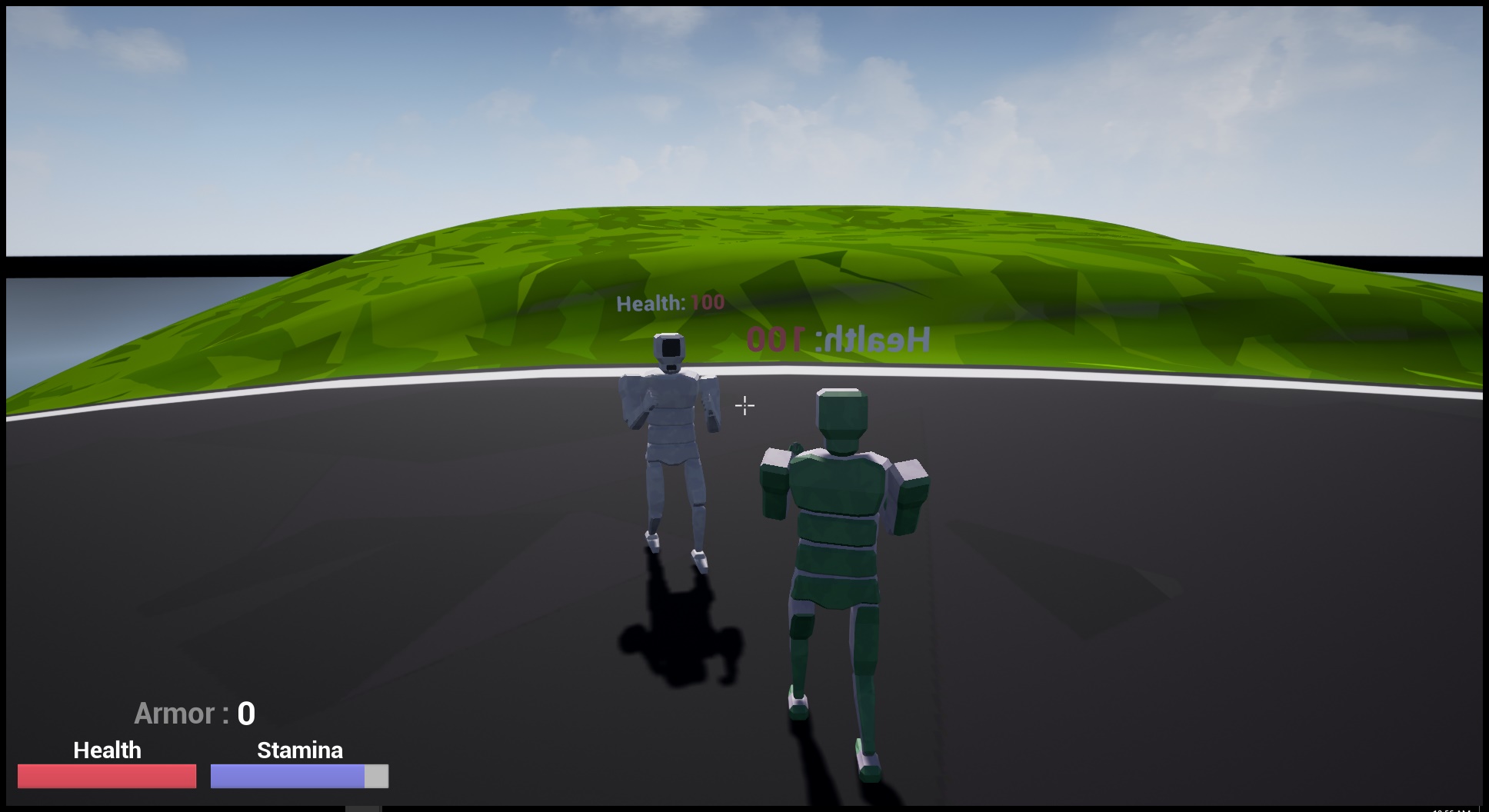
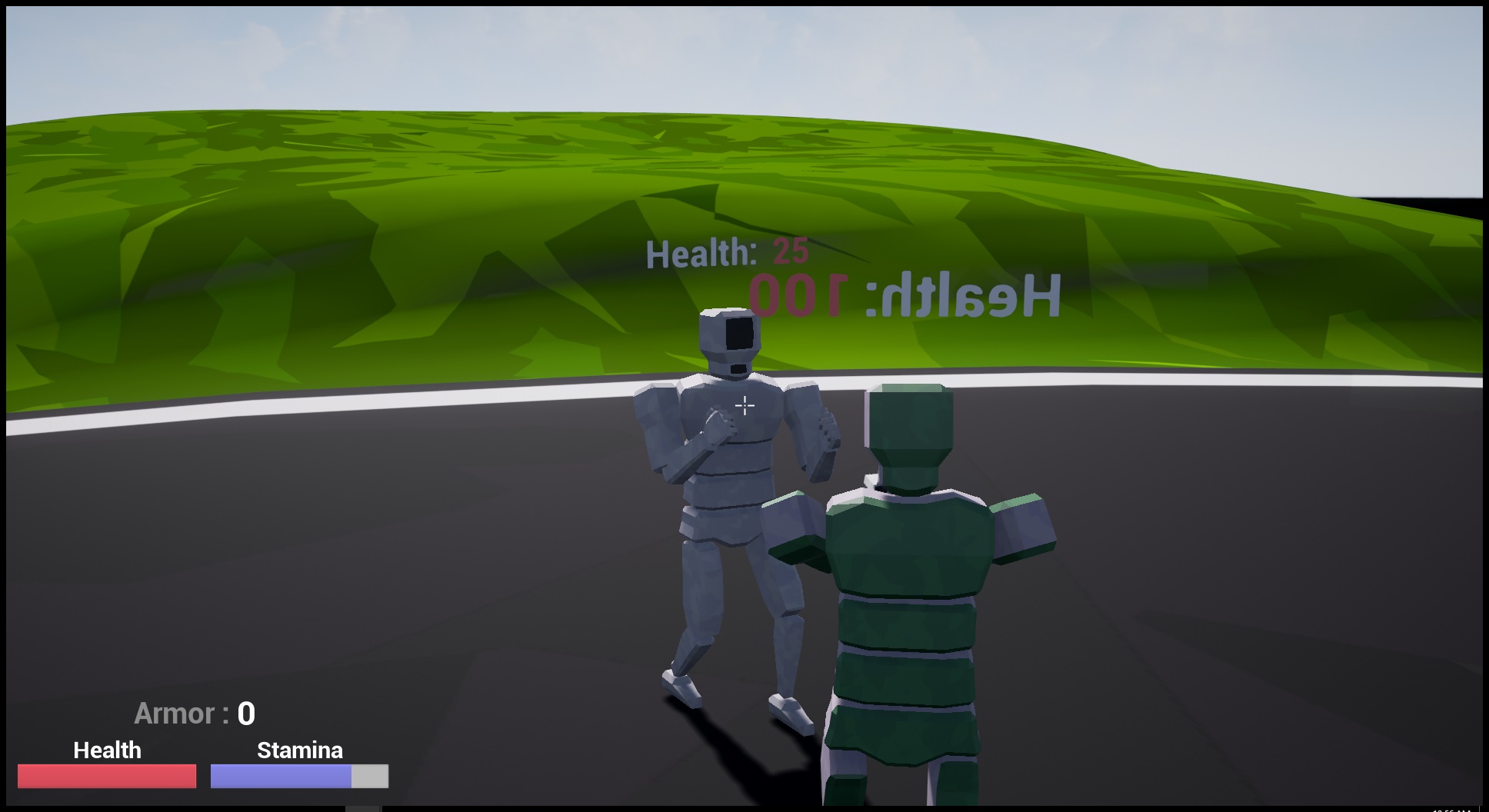
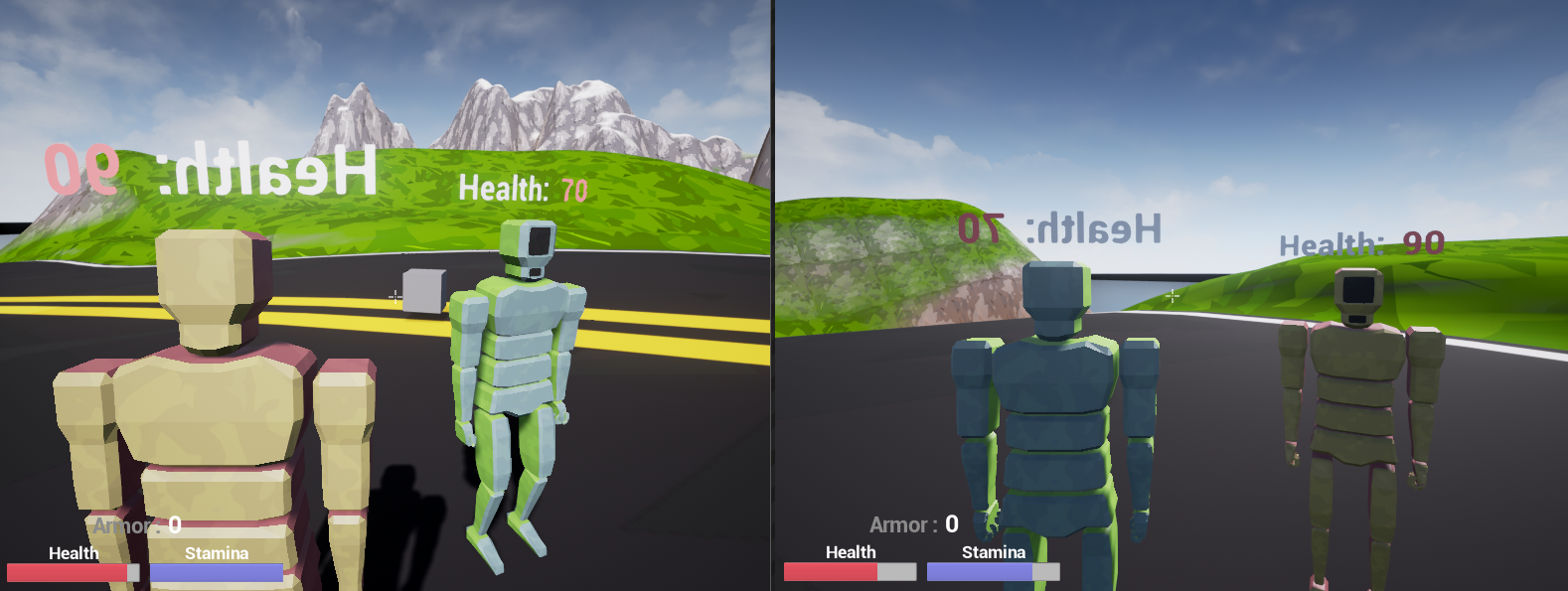
Eventually through perseverance and boredom to do anything else, I managed to take the entire game I had made and converted it to multiplayer. This meant I could shoot other players, See items equipped on them, See their health, See their color, See each animation as they’re seeing them, and interact with them.
Once again, for anybody readying this wanting to know more, or how I actually managed to do it in full, Feel free to contact me or leave a post below. That being said, If this is like a year or more old, don’t expect a very in-depth answer.
Here are some screenshots of multiplayer working.


Now that I know how the engine works, and how each part of the engine communicates with each other, I can move on to C++ for the next unreal project I will do.
Level Design
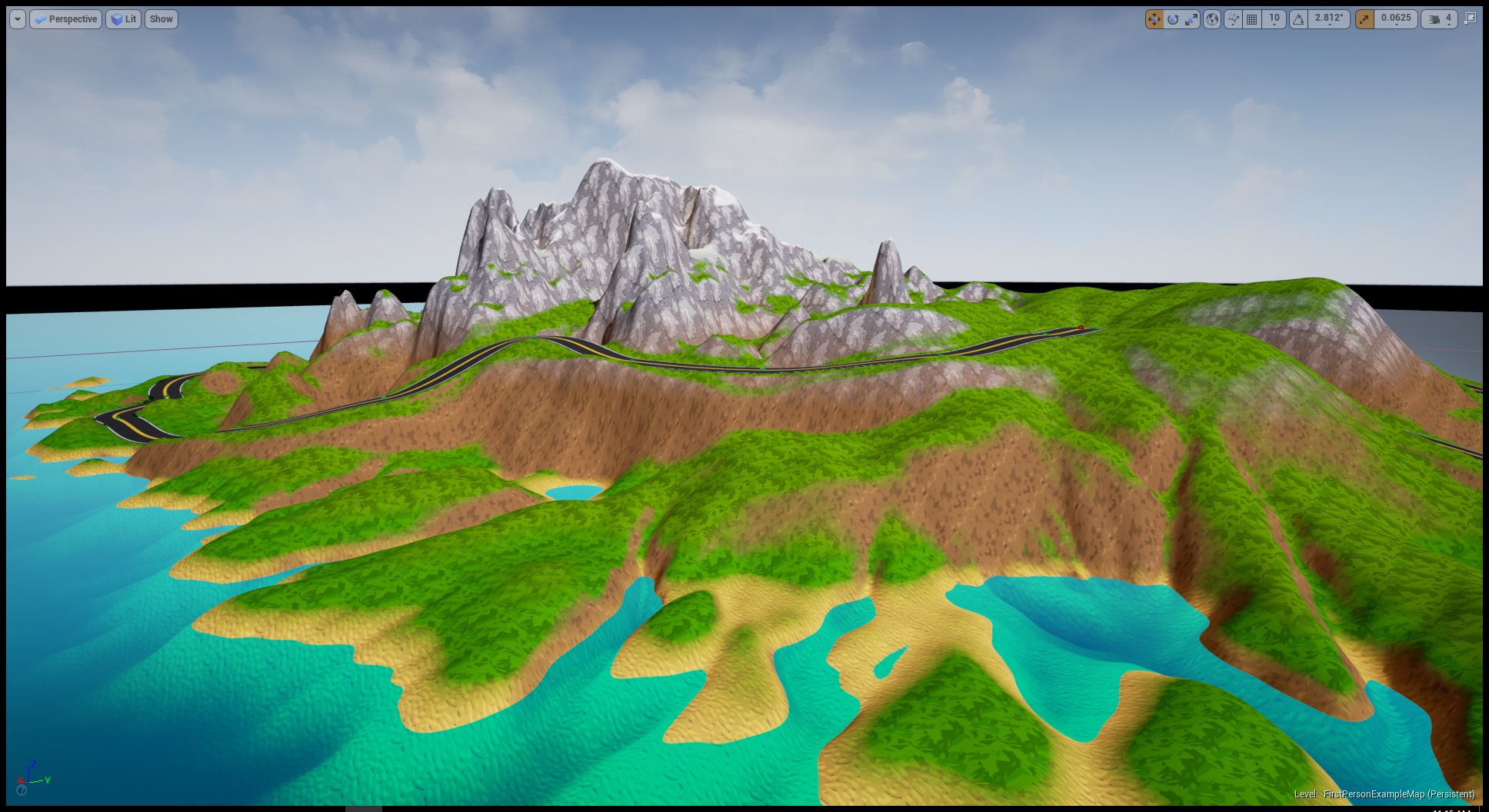
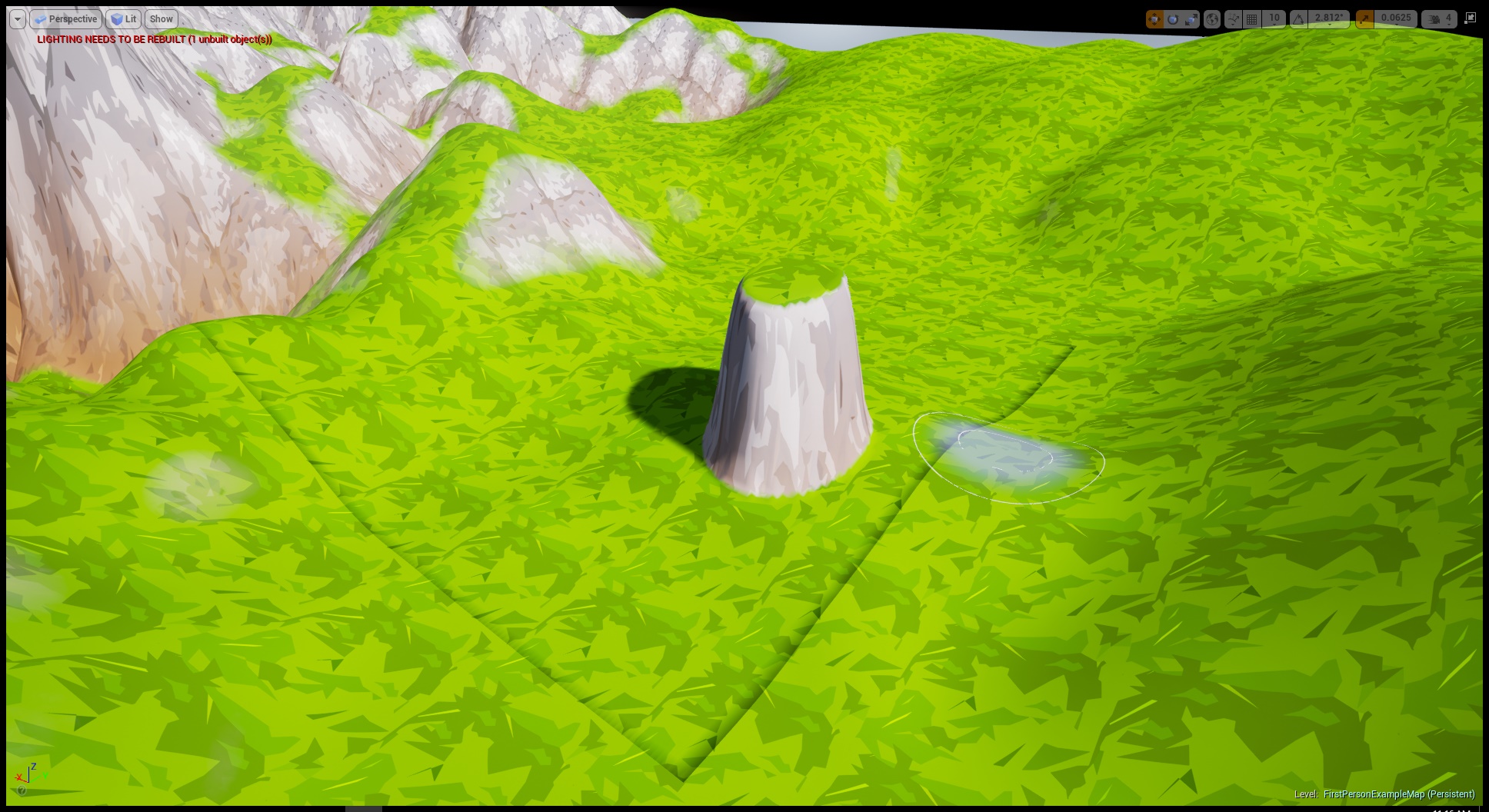
I’ll go over this one quite quickly as there’s not much too it. There’s only one really prominent feature, and that’s the dynamic landscape texturing. In Unreal you can create landscapes using an in-built editor. What it doesn’t do it texture it properly. You can either have a flat color, or a flat texture, and obviously this wouldn’t do.
So basing off a tutorial, I fleshed out a dynamic texturing script that would determine the height and slope of any given point on that landscape. With that information it would set and blend some textures accordingly. This means you can have sand at the bottom of the landscape, and snow at the top, with a good chunk of grass in-between. It would do two separate blendings for the ground and the sides of the landscape.
The nice thing is that it’s entirely on the fly, meaning when I update the landscape, it will update accordingly. Here are some screenshots to demonstrate the landscape and this texturing system.


Conclusion
The main reason I started this project was to gather experience, and learn the ins-and-outs of the Unreal Engine. And with with regards to that it is a success. Through this project I learnt quite a bit about the engine and how everything works within it. It was always about this from the start, but I was actually planning on fully fleshing it out, and releasing it as a product.
I instead decided it wasn’t quite good enough for that, and I wanted to create a new project from scratch in C++. This project is now pretty much just for my portfolio, as I don’t want to work on it anymore. I don’t regret any second of it, but I do wish I could have sold it.
I have bigger and better plans for my next game, and I intend on making that game a proper release.
But in conclusion, Thank you for reading this post, and taking the time to see this little project I worked on.
Feel free to leave a comment below and let me know what you think, Cheers.
 Timbos World